

To Do List
And its problems.

Welcome to Issue #26 of Forward. This week’s topic is the to-do list: why it gets messy, how to clean it, and how to actually use it in a way that makes your day easier.
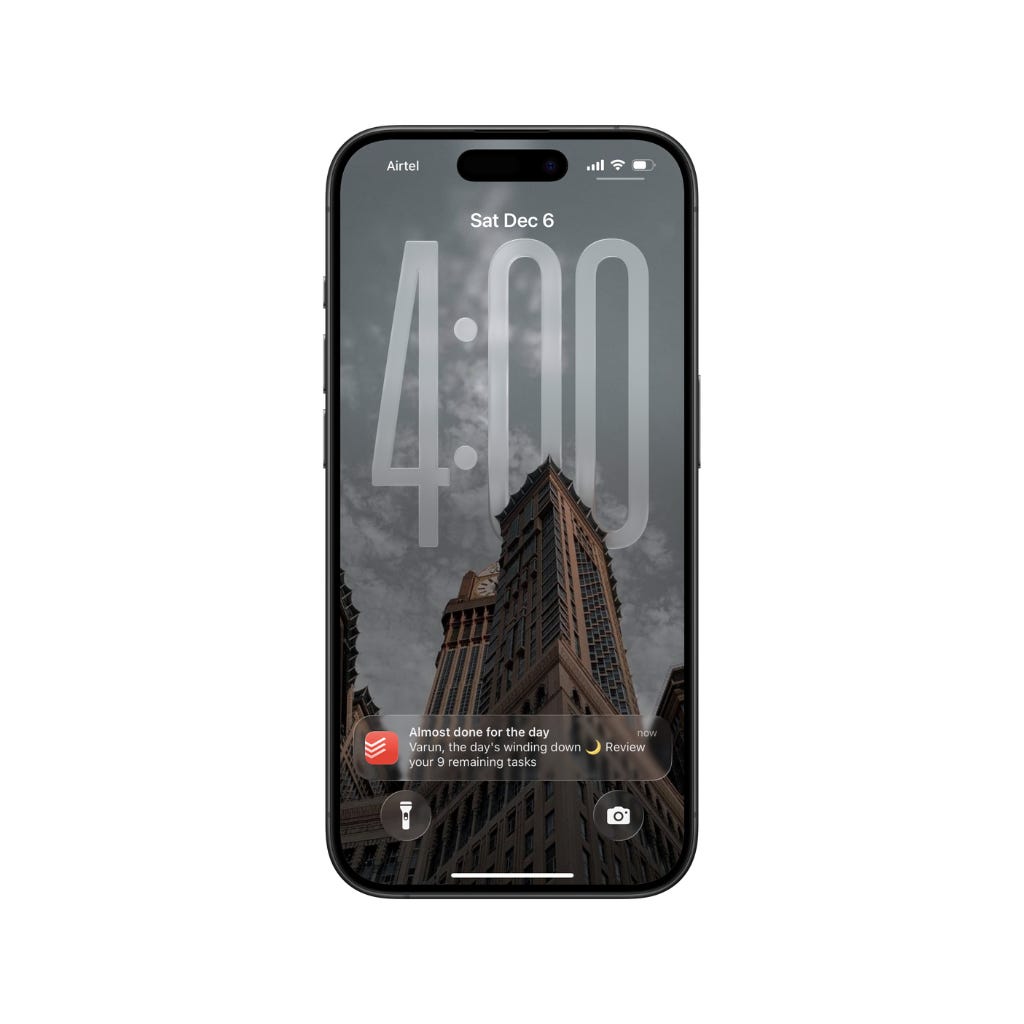
“You have 17 overdue tasks. Complete them now.”
Each day came with the same notification.
After a point, it became almost funny how much anxiety one little pop-up could create. There were days when opening the to-do app felt scarier than checking the bank balance at the end of the month. The list wasn’t just a list anymore; it felt like a reminder that everything was slipping behind.
To-do list apps are one of the greatest apps (or methods) humans invented to increase productivity, but if misused, they may lead to one of the worst disasters to destroy your productivity.
Most of you reading this should have at least once in a lifetime ended up with a piled-up to-do list.
Well, you're not alone.
The problem is not you but the system you have been using.
In this issue, let’s break down how to create and actually maintain a clean to-do list that helps you get things done and boosts productivity, instead of stressing you out or slowing you down.
Why To-Do Lists Get Messy So Quickly
To-do lists usually start in a very clean way. Just a few tasks, nothing complicated, nothing stressful. But slowly, without noticing, the list starts picking up everything from small reminders, random ideas, to things you might do someday, and things you added just because they felt important in the moment.
There are also moments when it completely changed from a to-do list to a note-taking app.
After all of these conquer the list, the list turns into something you don’t fully recognise.
The problem is pretty simple.
Instead of being a standalone task checking list, it collects everything, even the things you don’t actually plan to do.
It mixes quick tasks with big tasks. It mixes important work with things that don’t really matter. It captures ideas instead of reminders. And because everything sits on the same list, everything starts feeling equally important.
That’s when the list becomes messy. You open it expecting clarity, but instead it feels confusing. You want direction, but the list only shows more work. It creates pressure without telling you where to start.
This is how most to-do lists fall apart. Without some kind of structure or system, it will always grow faster than you can use it, and eventually, it becomes something you avoid instead of something that helps you.
How to Keep Your To-Do List Clean
A clean to-do list has one simple job: to help you see what actually matters right now or serve as a reminder of things.
Remember this before entering anything into your list:
A to-do list is not a place to store every idea, every plan, or every “maybe someday” thought. It’s a tool to guide your day, not a storage box for your entire life. For that, note-taking apps and second brains are available.
Identify the difference, and you won’t make the mistake again.
Okay, now let's talk about how actually to maintain a clean to-do list.
The easiest way to keep the list organised is to give it a limit. Not every task deserves a spot on today’s list. Only the things that truly move you forward should live there.
When the list is short, it’s easier to focus. When the list is long, it becomes something you want to avoid.
Another thing that helps is giving one task the highest priority. This is the task that matters the most, even if it feels uncomfortable or bigger than the rest. Once that task is clear, the rest of the list becomes simple. You’re no longer deciding all day long what to do next. The list has already made that decision for you.
There are two systems you need to follow within your list to keep it streamlined. They are priorities and organisation. If you get used to these two things, a clean to-do list will be your cup of coffee.
1. Priorities
Priorities are nothing but a simple way to understand which tasks to complete first.
Most to-do list apps (Todoist, Things, TickTick, or even Apple Reminders) include priority features. Let’s take Todoist as an example.
When adding a task, you can tap “Priority” and select between 1 to 4 based on the importance of the task. I’d suggest going with 1 to 3 for easier organisation. For keyboard folks, just type P1, P2, or P3 next to each task to add the priority.
Trust me, priorities are a lifesaver when managing a to-do list. They also make it easier to complete more tasks than when you don’t use them.
I ran a small experiment on myself. I went one week with priorities and one week without them. For a fair comparison, I kept the tasks pretty much similar for both weeks. The result genuinely surprised me. The week without priorities led to 23 completed tasks. But the week with priorities? A total of 32 tasks. That’s a 39% increase.
2. Organisation
Next is to organise each task. When adding a task, make sure to add a category, such as work or personal, to make things easier. If a task is associated with a project you regularly add tasks to, create a separate category for that project and add those tasks into it.
Again, let’s take Todoist as an example.
Todoist is the app I’m using. That’s why it got the spotlight here and nothing else. This works with pretty much all the modern to-do list apps.
When adding a task, tap the drop-down that says “Inbox” and select the project you created. For keyboard folks, you can just type “#” followed by the project name to easily bind the task to that project.
At first, this might feel overwhelming, but once you get used to it, it becomes natural.
Once you get used to these two things, congratulations, you’re a pro user.
Beyond priorities and organisation, there are a few more core principles that will keep your system sustainable:
Include only short-term tasks
Act as a reminder for your tasks, not as a note
Use simple, direct wording (no long titles or complicated notes)
Contain tasks with deadlines only when needed
Be reviewed once in the morning or once in the evening
Remove or rewrite tasks that no longer make sense
Once you follow all of these “shoulds”, it’s easy to maintain an organised to-do list.
This is the system I want you to use to make the most out of your to-do list.
Just like any tool, it won’t stay clean on its own. Old tasks need to be removed. Some tasks need to be rewritten. Some need to be dropped completely. When you take a moment to clean the list, it becomes something you actually want to use again.
A to-do list stays clean when you treat it as a guide, not a place to dump everything. When you respect the list, the list will start helping you again.
Easy Steps to Fix a Broken To-Do List
Now that you know how a clean to-do list works, let’s fix the list you already have. Most people who are reading this don’t start with a fresh list; they start with a messy one.
A list full of overdue tasks, old reminders, random notes, and things you don’t even remember adding. That’s completely normal. Everyone’s list becomes a little messy over time.
Here’s the good news: fixing a broken list is much easier than you think. You don’t need to start a new one or delete everything. You just need a simple reset. And once you reset the list, maintaining it becomes very easy.
Here’s a simple method I use to clean up any messy to-do list:
Step 1: Remove everything that’s clearly outdated.
These are tasks that no longer matter, tasks from weeks ago, or tasks you’re never going to do. Delete them without thinking too hard. If a task is important, it will come back naturally.
Step 2: Rewrite tasks that look confusing.
Sometimes a task is so unclear that you don’t even know what action it needs. Rewrite it in simple words. If a task takes more than a week to finish, break it down into smaller tasks because big tasks are always longer to finish.
Step 3: Add priorities to every task that stays on the list.
Just as I mentioned before, priorities are a lifesaver. You can’t only include them when adding a task, but also for the existing tasks. Open each task and add priorities. Once each task has a clear priority (P1, P2, or P3), you instantly know which ones matter today and which ones can wait.
Step 4: Move tasks into the correct categories.
Put work tasks into work. Put personal tasks into personal. Put project tasks into their projects. This small step makes the list feel organised, even if you still have a lot to do.
Step 5: Limit today’s list to only what you can realistically finish.
If your today list has fourteen tasks, it’s already broken. Choose a maximum of three to five important tasks and work from there. Everything else can stay in the backlog.
Once you follow these five steps, your to-do list becomes clean again. Not perfect, but usable. And the goal is not perfection. The goal is clarity. A clean list tells you exactly what to do next without stressing you out. That’s what makes it useful.
Fixing a broken list is really about giving yourself a fresh start without starting over. And when you do this once a week, your list never reaches the “overwhelming” stage again.
Whenever you feel lost, just return to these five steps. They bring your list and your mind back to a calm place.
Wrapping Up
A clean to-do list won’t magically finish the work for you, but it will give you the clarity to start. And that’s usually the part most people struggle with. When your list is simple and organised, it becomes easier to focus, easier to take action, and easier to end the day feeling like you actually moved forward.
Try following the steps and systems from this issue for a week. Keep the list light. Keep it clean. Keep it honest. You’ll start noticing how much calmer your days feel and how much easier it becomes to get things done.
In the end, a to-do list works only when you treat it with intention. When you do that, it becomes one of the simplest tools to help you stay consistent, productive, and in control of your day.
If you made it till here, thank you so much. It really means a lot.
Love the content? Don’t forget to share it and spread the word. If you’re new, make sure to subscribe to receive awesome content straight to your inbox.
PS - Leave a comment on what topic I should write next, and I will try my max to cover it next week.
Once again, thank you so much for reading.
See you again in the next issue.
Until then,
Varun.
Having a well-constructed to-do list is one of the key aspects to be productive. No need to waste time organizing your stuff everyday.